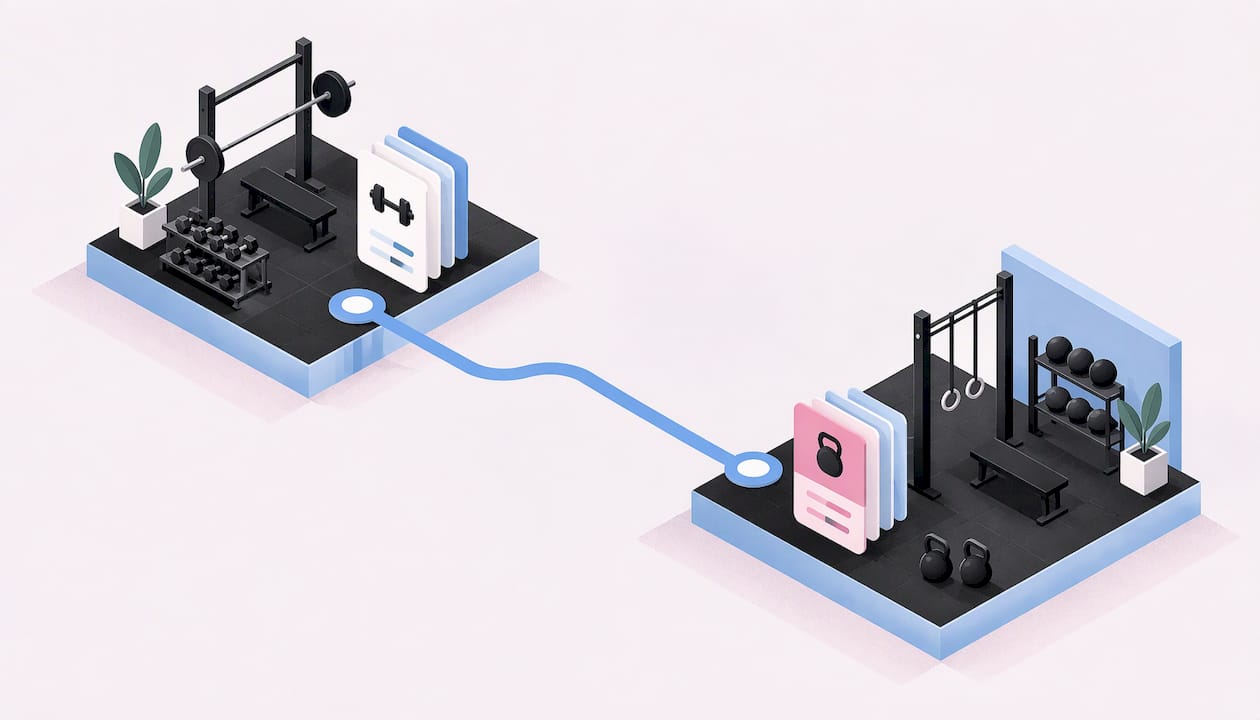
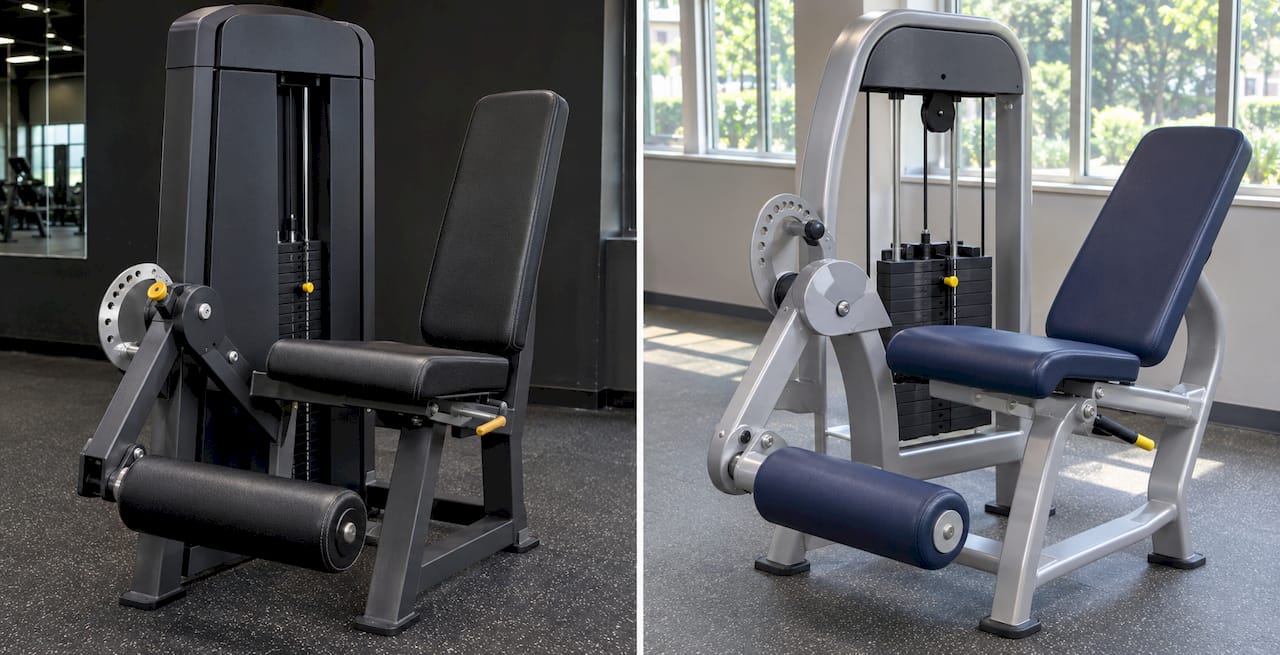
If you train at two gyms, the number on a machine’s weight stack only tells part of the story. A leg extension at 45 kg at one gym and 32 kg at another can both be good sets. Different machines can feel different even when the stack shows the same weight.
In Lightweight, choose the gym when you start a workout and use the same exercise from the catalogue at both locations. The app shows your previous machine and cable sets from the selected gym in Smart mode. Your barbell and dumbbell history follows you between gyms.
TL;DR
-
Choose the actual gym from Lightweight’s directory when you start a workout.
-
Use the same exercise from the catalogue at both gyms. Smart Previous looks up your machine and cable sets at the selected gym and brings your free-weight history with you.
-
Save a short Setup note if you want to remember the seat, pad or handle position for next time.
Table of Contents
Why a single log breaks when you train in two places
Two gyms can both have a lat pulldown, yet a 60 kg set can feel different on each machine. Pulley ratios, lever arms and seat positions all affect how the lift feels. For machine exercises, compare sets on the equipment you actually used.
Lightweight keeps gym context on the workout. With the default machine PR setting, the app compares a machine exercise against your history for that exercise at the same gym. Records for portable exercises such as barbell and dumbbell lifts carry across gyms.
What to record for each exercise
Choose the exercise from the catalogue. For a leg extension or another weighted lift, enter the weight and reps for each set, then tap the checkmark when you finish it. The fields depend on the exercise. A plank uses time, for example, and a treadmill run can use distance and time.
The gym is attached to the workout as a whole. If a setup detail will help next time, use Setup on the exercise. A leg extension note like “seat 3, pad 2” is enough. Lightweight remembers it for that exercise at that gym. Use Notes for details about today’s session, such as “used the other machine today.”
A simple system for logging by gym
Save the gyms you use most from Routines → Gyms. Search Lightweight’s gym directory and choose each branch. You can save two gyms for free.
With location access and Nearby gym suggestions enabled, Lightweight can automatically select a nearby saved gym when you start a workout. You’ll see its name at the top of the start screen. If you’re visiting a gym you haven’t saved, you can choose it for that workout from the same picker.
-
Pick your gym. Tap the centre + to start. Check the gym shown at the top. To change it, tap it, search Lightweight’s gym directory and choose the correct branch.
-
Start a routine or an empty workout. Use the same routine at both gyms if it fits. If one location needs different exercises, you can use a gym-specific routine version where available.
-
Use the same catalogue exercise at both gyms. Pick Leg Extension at each location. In Smart mode, Previous shows the last sets for that exercise at the selected gym. It stays blank the first time you log it there. Barbell and dumbbell exercises can draw on your history across gyms.
-
Log each set and save. Enter what you did and tick off the set. Add a Setup note if you want to remember a machine adjustment. Tap Finish, check the gym in the workout details and save.
You can log and finish a workout offline. Lightweight syncs it when you reconnect. For more on building the habit, see how to track workouts.
Comparing progress across gyms the right way
For machines, start with comparable sets at the same gym. If you logged 10 reps at 40 kg on a leg extension last month and 10 reps at 45 kg today on the same machine and setup, that gives you a clearer comparison. If you used a different machine at the same gym, a short workout note can explain the change.
At a new gym, use your first session to find a comfortable starting weight. A 45 kg set at one gym and 32 kg at another each give you a baseline for that location. For portable lifts like a dumbbell row, you can follow your progress across both gyms. See our guide to workout progress charts for ways to follow trends over time.
What to look for in a gym-by-gym workout log app
-
A gym directory and one exercise catalogue. Choose the location once per workout and reuse the same exercise wherever you train.
-
Previous sets and records that follow the equipment. Look up machine sets at the same gym and bring your free-weight history with you.
-
Remembered machine setup. See the seat, pad or handle position you saved the last time you used that exercise at the gym.
-
Offline logging and access to your data. Lightweight saves workouts offline and supports CSV import and export.
The Lightweight free plan includes full workout history, exercise progress charts, up to four routines and two saved gyms. See the Lightweight features page for plan details.
Training with friends across gyms
With Train Together, you can follow a friend’s sets live while each of you logs your own workout. You can also copy a friend’s live workout and start with your own previous values. See our guide to workout accountability for more ways to train with friends.
Finding and logging new gyms
Open Discover to search the gym directory and check details such as day passes, equipment and amenities where available. When you train there, select that gym in the workout picker. Open Profile and tap the Gym Passport globe to revisit the gyms and countries where you’ve trained.
For your next trip, see Finding Gyms While Traveling, day pass gyms in London and 24-hour gyms in London.
Machine notes worth keeping
Save the adjustment you’d otherwise have to work out again. These details are good candidates for Setup.
-
The pec deck machine: seat height and arm pad position change the range of motion.
-
The seated calf raise machine: pad placement and starting stretch differ between brands.
-
Leverage rows: chest pad height and grip choice change which muscles do the work.
Put it into practice
On your next workout, choose your gym and log an exercise you do at both locations. Repeat it the next time you train at the other gym. On your return to either location, check Previous for the numbers from that gym. Get started with Lightweight.

FAQ
Should I keep a separate workout log for each gym?
One Lightweight log covers all your gyms. Choose the gym for each workout and reuse the same catalogue exercises. Smart Previous uses local machine and cable history, and machine PRs are tracked per gym by default.
What should a gym workout log include?
Select the gym once for the workout. For a strength exercise, enter the weight and reps as you complete each set. Add a Setup note when a machine adjustment is worth remembering.
How do I compare my numbers between two gyms?
Compare machine sets at the same gym on the same equipment and setup when possible. Use your first session on a different machine to establish its own baseline. Free-weight history carries between gyms.
Can I use a gym workout log app without paying?
Yes. Lightweight’s free plan includes workout logging, full workout history, exercise progress charts, up to four routines and two saved gyms.
Sources
-
How to Create a Good Workout Log to Make Real Progress (Workout API)
-
Why and How to Keep a Training Log (Hygieia Strength & Conditioning)
-
Equipment Tracking for Strength Training and Hypertrophy (Strive)
-
Calorie Tracking for Muscle Gain: A Practical Guide (VeriTrack)